
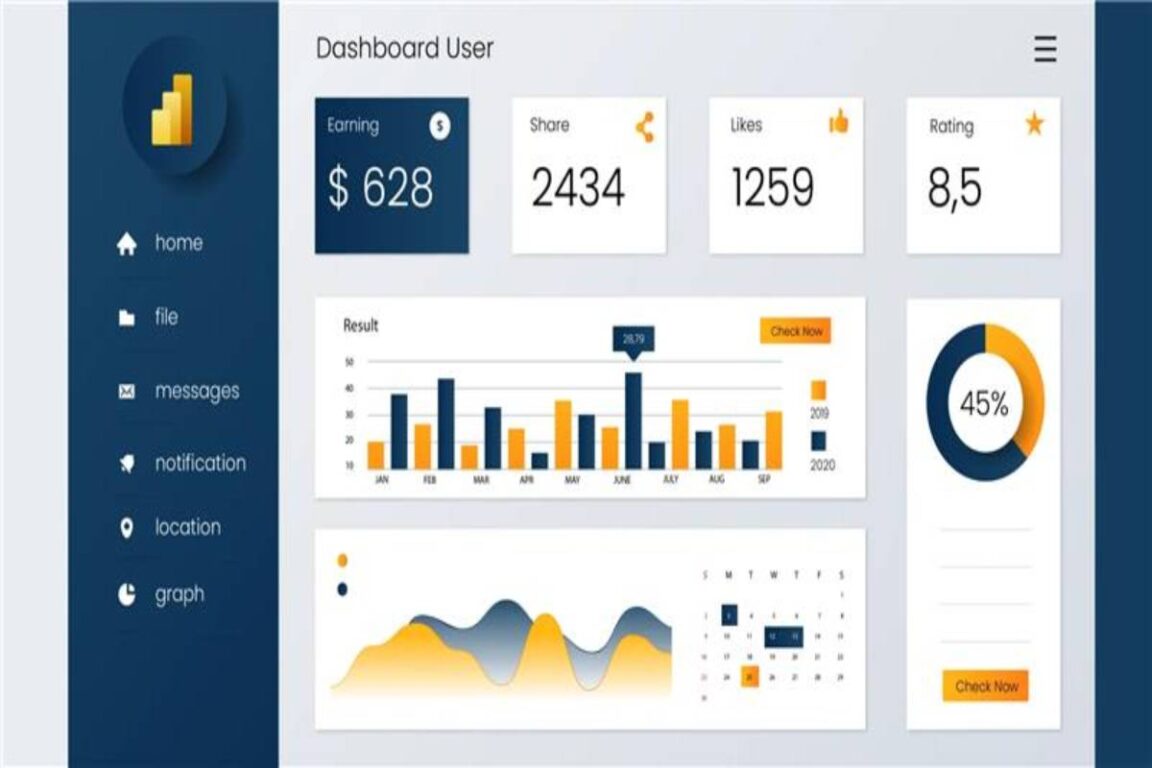
There is more to maximizing sales than just monitoring revenue. You need to be able to visualize the whole sales process, including:
- Pipeline health
- Conversion efficiency
- Customer behavior
- Regional performance, among others.
Luckily, Power BI makes it possible to convert raw sales data into actionable insights. This enhances forecasting. Below, we explain how you can leverage Power BI in sales.
Power BI is especially useful as part of a broader business analytics strategy, where organizations use data to understand performance, identify trends, and make more informed decisions.
Centralize your sales data
Integrate all sources of information into one model. This includes:
- CRM
- Marketing automation programs
- ERP data
- Customer support records.
Businesses using their own customer management systems may also need to connect a custom CRM with other business applications so sales, customer, and operational data can be analyzed together.
Consolidation helps you to:
- Do away with discrepancies in reporting.
- Standardize metrics between departments.
- Determine cross-functional performance gaps.
Use Power Query to:
- Standardize date formats
- Normalize product categories
- Eliminate duplicate records.
Financial data can provide another layer of context. Choosing the right accounting platform for scaling companies can make it easier to organize financial information that may later be combined with sales and operational reporting.
A clean data model is important. It will ensure that dashboards reflect precise performance indicators.
Depending on the industry, businesses may also collect operational information from specialized technologies such as automated dispensing systems. Combining operational and sales data can provide a broader picture of product demand and business performance.
Measure Key Performance Indicators
Establish quantifiable KPIs that directly impact revenue. Common sales KPIs include:
- Conversion rate
- Average deal size
- Sales cycle length
- Pipeline value by stage
- Customer acquisition cost.
The same measurement principle applies to other areas of business automation. For example, organizations using robotic process automation can monitor RPA performance metrics to determine whether automated processes are delivering the expected efficiency and business value.
Create interactive dashboards that enable sales managers to sort by:
- Region
- Rep
- Product line
- Time, etc.
In addition, develop dynamic images that disclose trends and anomalies on a real-time basis. This is better than fixed data reports.
Analyze pipeline health
A healthy sales pipeline is balanced across stages. Power BI is capable of visualizing funnel drop-offs and finding bottlenecks.
Use calculated measures to:
- Compare stage-to-stage conversion rates.
- Quantify time per stage.
- Identify stalled opportunities.
When a particular phase shows long periods or slow progress, investigate process inefficiencies.
Target customers with a niche strategy
Revenue growth depends on customer segmentation. Using Power BI, you can group customers by:
- Industry
- Geography
- Purchase frequency
- Long-term value
- Product preferences.
Segment-level analysis discloses high-value accounts. It helps you determine churn risk. This enables sales teams to allocate resources more efficiently.
Predict sales
You can use time intelligence functions and historical data to analyze trends.
Implement:
- Annual comparisons
- Monthly and quarterly performance
- Moving averages
- Seasonal trend analysis.
Developed models may include predictive analytics to estimate income in varying situations. Many organizations rely on custom-designed Power BI solutions that incorporate forecasting models directly on executive dashboards for strategic planning.
Track team and personnel performance
Performance transparency leads to accountability. Use Power BI to monitor individual reps’ performance against quota. Compare team productivity metrics.
Visual leaderboards and performance trend charts can help you identify top and underperformers. Make sure that metrics are contextualized. For example, compare results based on the size of the territory or the volume of lead. This will ensure fairness.
Summing up
Power BI can optimize sales by:
- Connecting data
- Demystifying performance measures
- Identifying patterns that would not otherwise exist.
With these practices, you will build a data-driven sales operation. This will trigger consistent improvement and quantifiable growth.
GIPHY App Key not set. Please check settings