
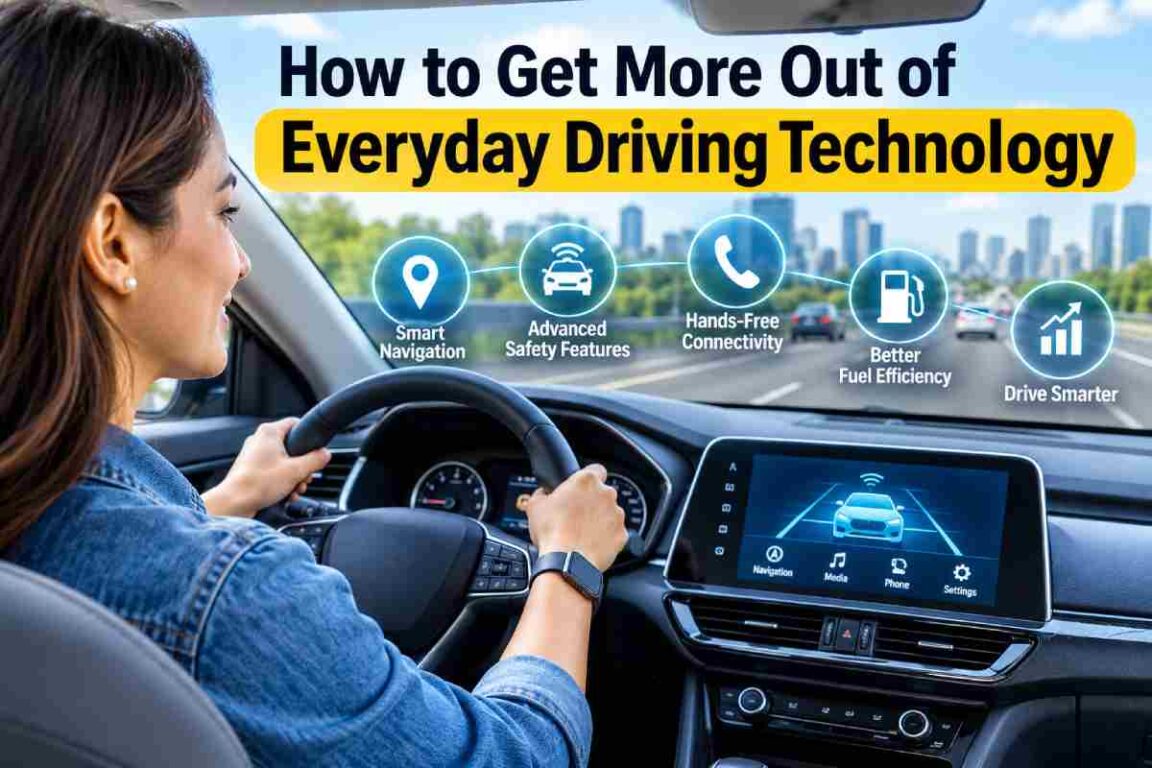
Digital tools aid trip planning and vehicle maintenance, but drivers must still interpret the information and stay attentive on the road.
Checking traffic before leaving home has become as routine as grabbing the car keys. A phone can map the trip, a dashboard can flag low tire pressure, and a connected vehicle app may show when service is due. These tools put useful information within reach, but drivers still have to decide what to do with it.
That also means knowing where to look for different kinds of help. A Springfield auto accident attorney offers information about automotive injury matters. Navigation apps and vehicle systems serve more immediate needs, such as planning a route or alerting a driver to a maintenance issue.
Digital Driving Tools Take Some Guesswork Out of Planning
Navigation apps and dashboard infotainment systems can make a trip easier to organize before it begins. Depending on the software, drivers can enter several stops, avoid toll roads, and check an estimated arrival time. A few minutes spent reviewing those details can spare them from sorting through menus later.
Take a hypothetical Springfield commuter who needs to drop off a package on the way to work. Adding that stop before leaving lets them compare routes and decide how much time to allow. The estimate provides something to plan around, even if traffic changes along the way.
Anyone using a phone for directions also needs enough charge and access to the necessary maps.
Navigation Apps Cannot See Everything Ahead
A navigation app can suggest a route around congestion, but its picture of the road is never complete. Traffic information can change after a trip begins, and a newly closed street may not appear on the map right away. Posted signs and actual road conditions still need the driver’s attention.
For someone facing a busy commute, reviewing an alternative route before departure can make an unexpected delay less confusing. They already have some idea of where another road leads.
Suppose that driver then encounters a detour the app has missed. Following the posted directions takes priority. If finding another route requires typing or studying the screen, the driver can pull over somewhere safe to work it out.
Connected Car Alerts Make Maintenance Easier to Track
Some vehicles let owners check service reminders and vehicle information through a companion app. Others display that information on the dashboard. Features vary by model and equipment, and some connected services require an active subscription. A dashboard tire pressure warning, meanwhile, may work without an internet connection.
Imagine a driver noticing a service reminder several days before a weekend trip. That gives them time to find out what is due and arrange maintenance if needed. A tire pressure alert requires its own response: checking the tires and following the owner’s manual.
The phone providing directions deserves attention, too. Knowing how to check a device’s battery health can help someone investigate a phone that no longer holds a charge through a trip.
Driver Assistance Features Need a Closer Look
Vehicle technology can be confusing when similar names describe different functions. A system that warns about a possible collision does a different job from one that can apply the brakes.
According to the National Highway Traffic Safety Administration, forward collision warning alerts drivers to a potential collision ahead, while automatic emergency braking can apply the brakes. Blind spot and lane departure warnings draw attention to other specific situations.
Those distinctions matter when someone drives an unfamiliar car. A feature they used in their previous vehicle may behave differently, or may not be available at all. Reading the owner’s manual helps drivers understand what each alert means, what response it calls for, and where the system’s limits lie.
Driving Technology Can Also Become a Distraction
Even a useful alert can arrive at the wrong moment. Picture a driver approaching an intersection when the navigation app announces a route change. A pedestrian is waiting to cross, traffic is moving, and the screen suddenly offers another thing to look at.
That is why preparation matters. Entering the destination, adjusting the audio, and choosing notification settings before departure leaves fewer controls to manage on the road.
When a change needs more attention, stopping somewhere safe gives the driver time to handle it. The same applies to learning unfamiliar features. A parked car is a better place to figure out a dashboard menu than a busy intersection.
Building a Better Routine Around Digital Driving Tools
The value of driving technology often comes down to how someone uses the information it provides. Checking a route before leaving allows time to plan. Following up on a maintenance reminder helps keep service on the calendar. Understanding an alert makes it easier to respond appropriately. Handling those details early leaves more attention available for the road once the trip begins.
FAQ
What are digital driving tools?
They include navigation apps, digital dashboard displays, connected vehicle services, and driver assistance features. Each provides information or support for a particular part of the driving routine.
How do navigation apps help drivers plan journeys?
They provide directions and estimated travel times. Some also show traffic updates, suggest alternative routes, and let drivers add stops before leaving.
What information can connected vehicle systems provide?
Depending on the vehicle and service, they may display maintenance reminders, diagnostic notifications, and vehicle status information through a dashboard or phone app.
Can digital vehicle safety features replace driver attention?
No. Warning and assistance features have specific capabilities and limits. Drivers still need to watch their surroundings, respond to changing conditions, and remain responsible for operating the vehicle.
GIPHY App Key not set. Please check settings